Change Log
| Date | Version | Comments |
|---|---|---|
| 2024-03-05 | 1.0.3 | > Added the “Allow duplicates” toggle. If enabled, all resources with the same name will be imported. If disabled, no resource with duplicate names will be imported. |
| 2024-01-08 | 1.0.2 | > Changed name from Azure AD Group Bulk Import to Microsoft Entra Group Bulk Import > Fixed issue with the Segoe UI font after font name change > Fixed bug where the app would crash if a blank line was present in the members box > Dependent library updates |
| 2023-06-09 | 1.0.1 | Initial release |
Ever wanted to add members to a Microsoft Entra group in bulk using friendly names instead of object Ids? Well, now you can 🙂
My latest app takes the hard work out of translating user or device names into object Ids and lets you bulk add members using only their unique friendly names – either the Display name for devices, or the Display name, User principal name or Email address for users.
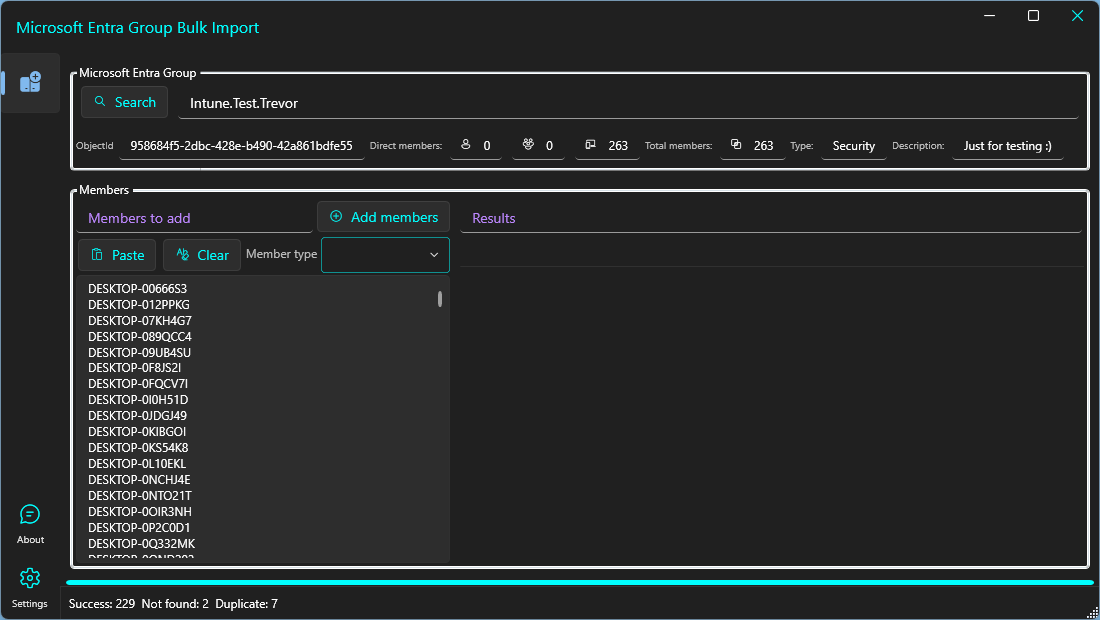
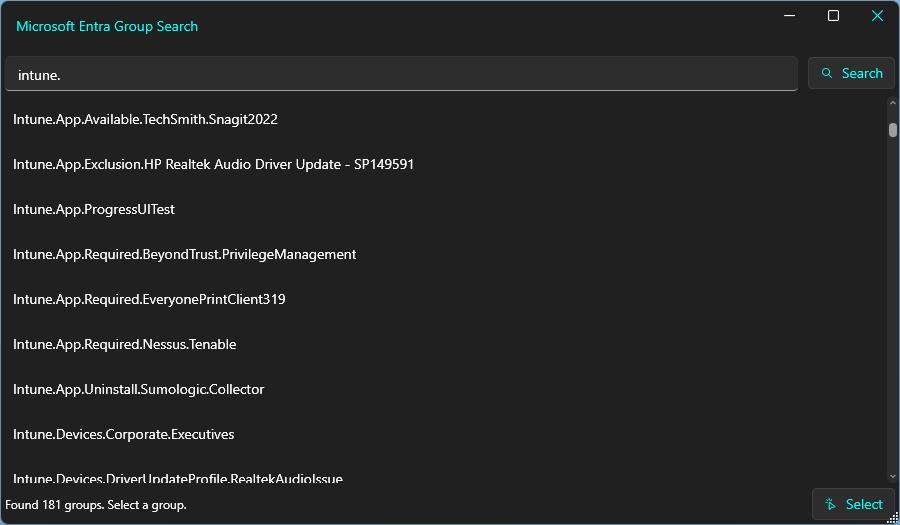

The app utilises batching where possible for quicker imports and will happily process thousands of members if required.
An app registration in Microsoft Entra is required, details are in the app itself, or view the video below for a walkthrough of setting up and using the app. That being said, the app may still work without a new app registration as the auth library will fallback to using the Microsoft Azure CLI app.
Download
Download the app from here.
Feel free to send any feedback from the link in the app!

One thought on “New App: Microsoft Entra Group Bulk Import”