Today I am pleased to release a new tool for enterprises and home users alike: System Explorer for Windows. This application can be used to view detailed system and hardware data for a local or remote computer by exposing WMI Win32 classes in an easy-to-use Graphical User Interface. For enterprises that use System Center Configuration Manager, the application can connect to the SCCM database to allow viewing of hardware inventory data even if the target system is not currently online.
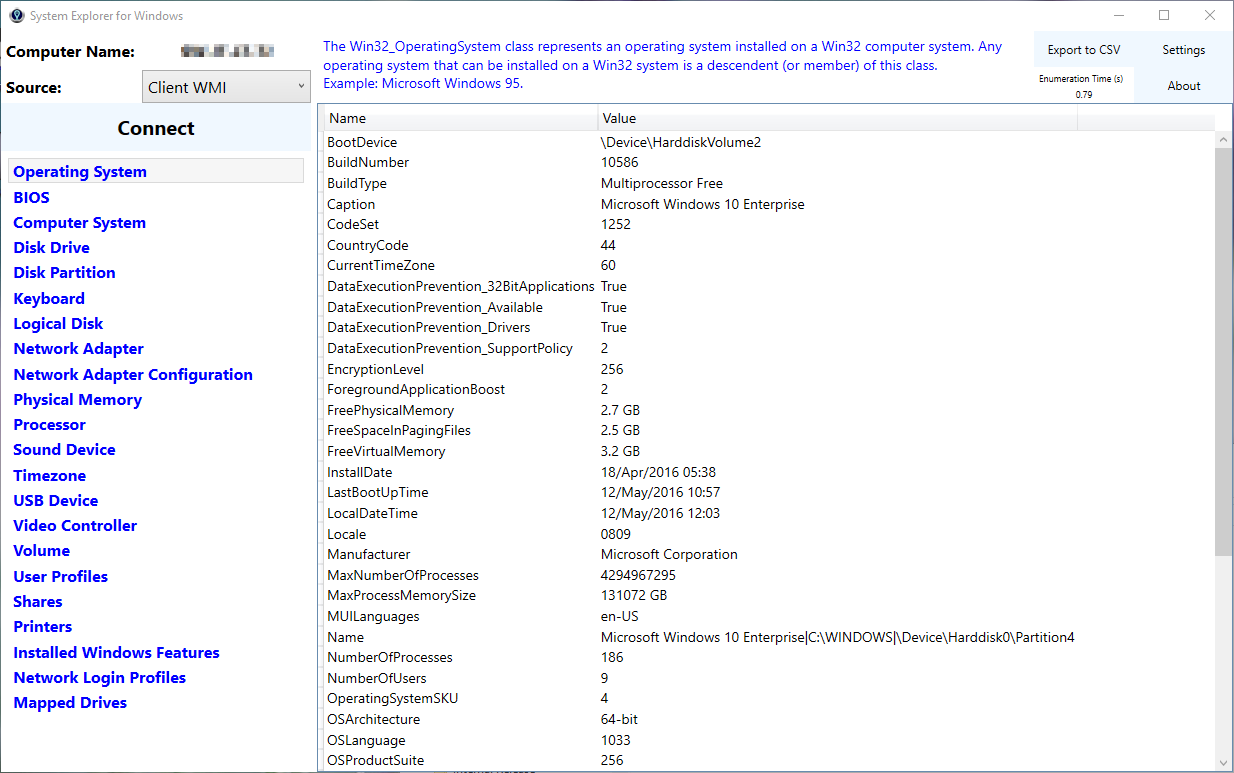
Check it out here: https://smsagent.wordpress.com/tools/system-explorer-for-windows/

Any command line options? For instance, I’d love to be able to pass it computer name and whether or not to pull from WMI or SCCM. SCCM server/DB would be valuable too, in my environment
Sorry no command-line options yet.